Android
Aldus on Android is the same app and library as every other platform, with a couple of Android-specific behaviors worth knowing: how background audio keeps running, and what to do before you lose signal.
Availability: Android is currently a development build, not a published beta. These instructions describe implemented behavior for contributors and future testers; ordinary users should use the web app until an Android download is announced.
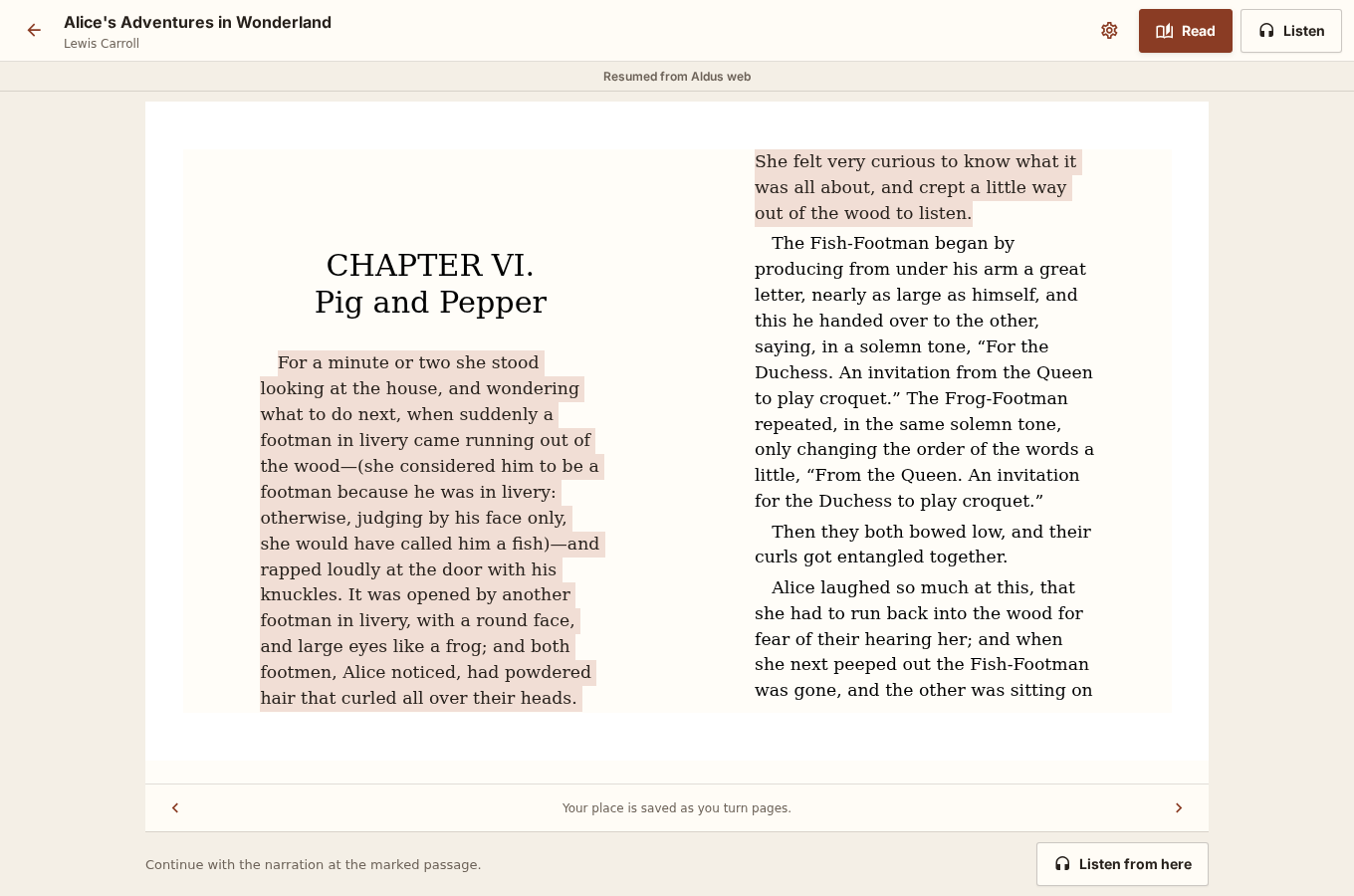
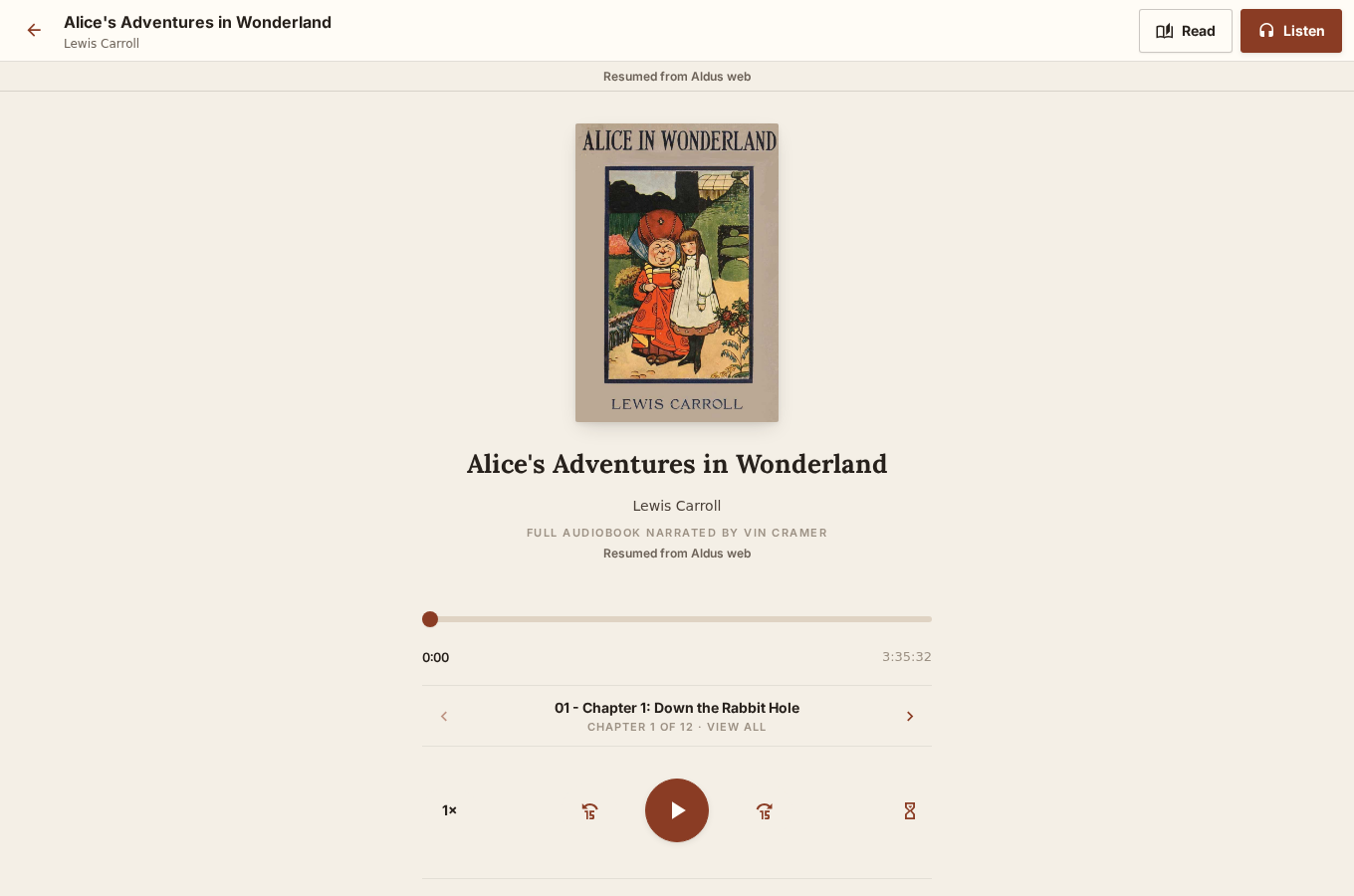
Connect to your server, open a title, and choose Read or Listen. The ebook saves its native reading locator after navigation settles. Audio saves approximately every two seconds and immediately when you pause, leave, switch formats, or background the app.
Reading settings
Section titled “Reading settings”Open the reading-settings control to choose the publisher font, serif, sans, or OpenDyslexic; adjust text size, line spacing, margins, page color, and page-turning or continuous-scroll flow. All books saves the choices to your Aldus account and syncs them across devices. Choose This book when one edition needs its own settings without changing the rest of your library.
Background listening
Section titled “Background listening”Aldus runs audio through a foreground media playback service, which is what lets listening continue after you switch apps, lock the screen, or the device sleeps — Android requires an app to declare this explicitly, and Aldus does. You’ll see a persistent media notification while audio is playing, with the book, chapter, and transport controls; use it or your device’s lock-screen media controls to pause, resume, or skip.
Continue in another format
Section titled “Continue in another format”Titles with a Read & Listen indicator have a synchronized ebook and audiobook edition. Tap the headphones button to continue from the visible passage, or long-press a word and choose Listen from here for the precise selection-based handoff. See Exact synchronization for the complete saving and precision contract.
Before you lose signal
Section titled “Before you lose signal”For travel or unreliable connections, download the title before leaving the network — look for Download for offline on the work page. See Offline use for exactly what gets stored on the device and what still needs a connection.