Welcome to Aldus
Aldus keeps ebooks, audiobooks, and reading progress on a server you or someone in your household controls. There’s no Aldus account in the cloud — only the server your household runs, or the shared demo below.
Three doors in. Pick the one that matches you.
If someone invited you
Section titled “If someone invited you”Someone who already runs an Aldus server added you as a reader. You need two things from them: the server’s address (something like https://library.example.com or a local address like http://192.168.1.20:8080) and the one-time username and password Aldus generated for you.
- In a browser, open the server address you were given. In the iOS or Android app, open Connect to Aldus, enter that address, and select Continue. Android does not yet have a public beta download.
- Sign in with the one-time credentials, then choose your final username, display name, and password.
Full walkthrough, including what happens with a bad address or wrong password, is in Connect to a server. Platform-specific notes live under iPhone and iPad and Android.
If you run the household server
Section titled “If you run the household server”Start with Install Aldus to stand up the server itself, then add a library and a media source so there’s something to read. Once a library exists, invite readers by creating their accounts — they don’t need, and by default don’t get, access to server administration.
If you are exploring
Section titled “If you are exploring”Open the public demo, select Explore demo, and Aldus creates a temporary guest account for you on the spot — no signup form, no email. You land in a real, working library stocked with public-domain classics like Pride and Prejudice and Moby-Dick, with reading, listening, and synchronized handoff between the two all available immediately.
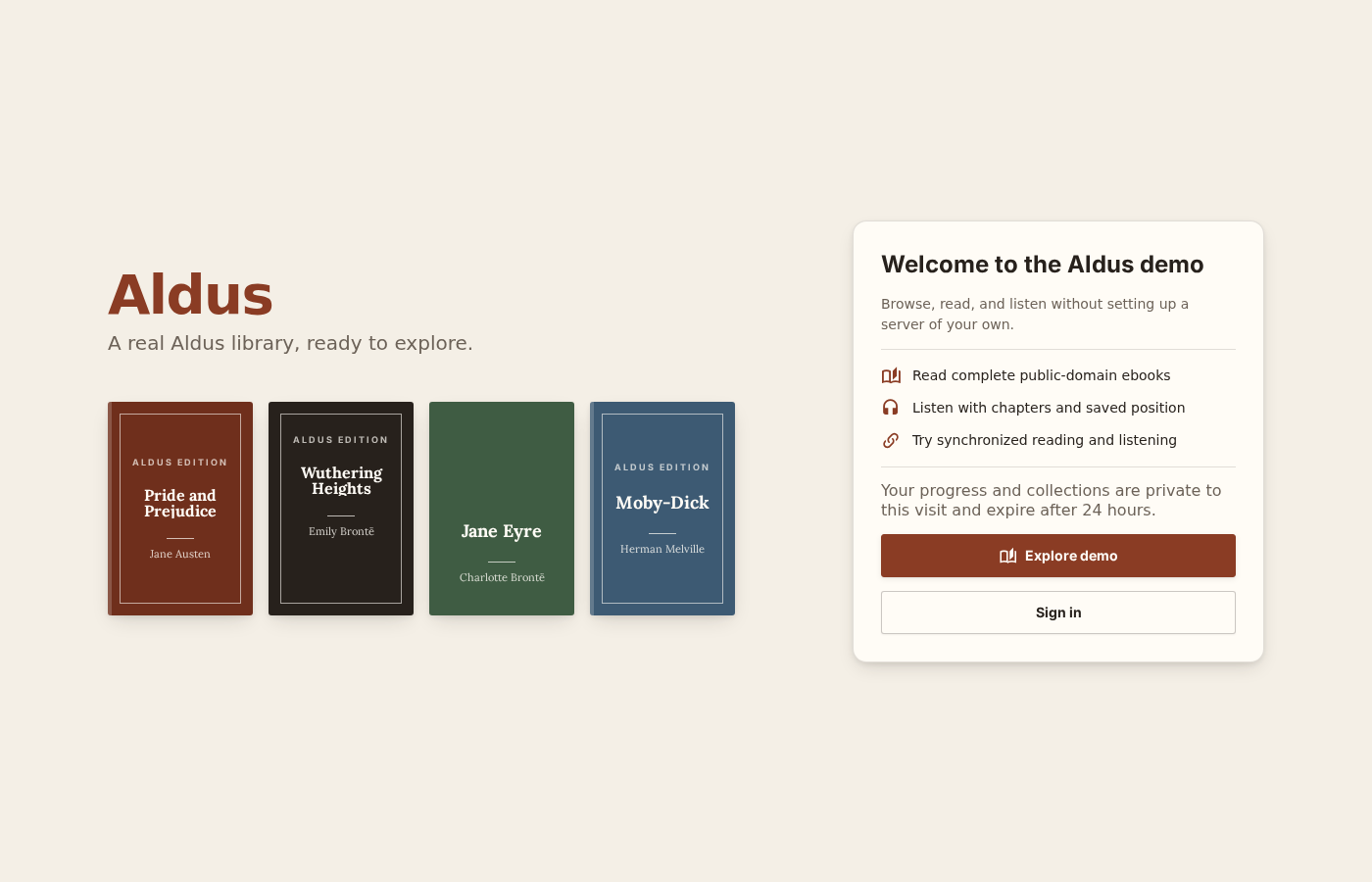
Guest progress and collections are private to that visit and expire after 24 hours — nothing to clean up, nothing tied to your email. See Explore the demo for exactly what a guest can and can’t do.